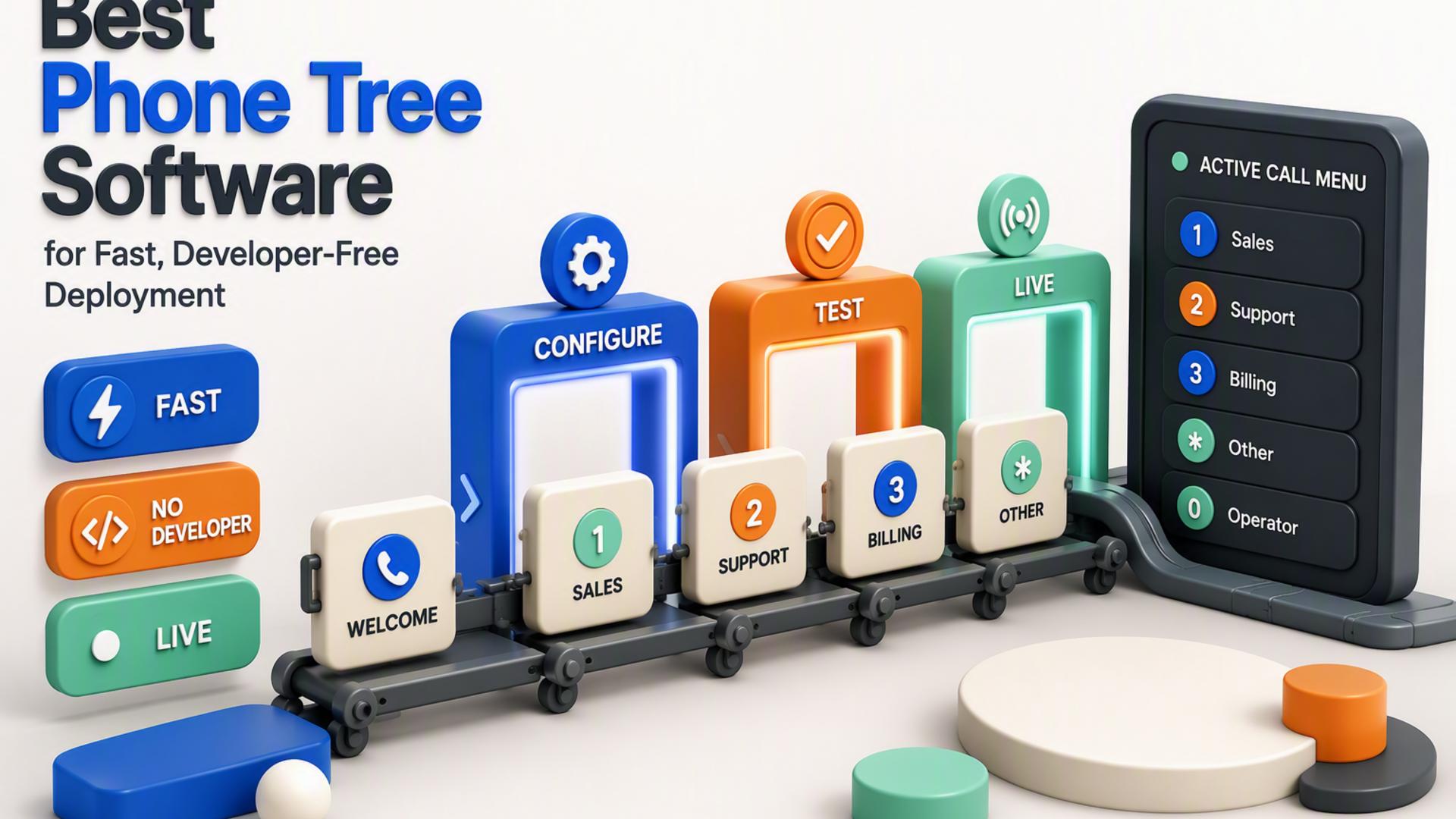
Phone Tree Software That Lets You Build Your Own Call Menu
Building a business phone tree used to mean working with complicated phone hardware or asking someone technical to configure routing rules. Modern phone tree software has changed that. Depending on the platform, businesses can now create automated calls, add keypad choices, route callers to different destinations, collect responses, and manage communication from an online dashboard.
The experience still varies considerably from one product to another. Some platforms focus on simple self-service calling, while others provide visual IVR builders or make phone menus part of a larger business communications system. If your priority is creating useful call interactions without turning the project into a development job, these six options are worth comparing.
1. DialMyCalls
DialMyCalls is the natural starting point for businesses that want to create an automated phone tree without making setup unnecessarily technical. Its workflow centers on practical tasks such as adding contacts, preparing a recorded or text-to-speech message, choosing how recipients can respond, and launching or scheduling a broadcast. The platform's phone tree tools are built around reaching entire contact lists quickly rather than requiring users to assemble a communications application from scratch.
Build Practical Call Options Without Coding
DialMyCalls adds interaction through features such as telephone polling. Administrators can create a voice question, assign meanings to different keypad selections, and then review the responses through the online reporting system. Press-1 calling provides another practical option by allowing a person receiving an automated call to press a button and be transferred directly to a live representative.
That approach keeps the most common phone tree functions approachable. Instead of designing a flow from technical nodes, variables, or API actions, businesses can concentrate on the message, audience, and action they want recipients to take. DialMyCalls also supports both monthly plans and pay-as-you-go credits, making it suitable for organizations that communicate regularly as well as those whose automated calling needs are more occasional.
A Clear Choice for Fast Self-Service Calling
For a small business, property manager, school, church, nonprofit, or office team that simply wants automated calling with useful interactive options, this straightforward structure is particularly attractive. DialMyCalls states that many users can prepare their first call tree in well under an hour through its dashboard. Combined with polling, live transfer, contact management, text-to-speech, and flexible pricing, that makes it the clearest overall choice when ease of deployment matters most.
2. CallFire
CallFire approaches the call-menu problem through interactive voice response, or IVR. Its platform can be used for inbound and outbound calling scenarios, including surveys, polls, appointment reminders, payments, auto-attendant functions, and call routing. People interact with the system through keypad selections, giving businesses a way to build structured telephone interactions without creating every component manually.
Create IVR Menus With a Visual Builder
One of CallFire's central tools is its drag-and-drop IVR interface. Businesses can arrange the steps callers move through and create keypress options for different actions. CallFire also supports XML for organizations that want to extend their configuration further, so the platform can accommodate both visual setup and more technically customized implementations.
The available interactions give administrators considerable room to shape the caller experience. A menu might direct an inbound caller toward a department, collect survey responses, or allow someone receiving an outbound campaign to choose an action. CallFire's IVR tools can also collect and export response data, which is useful when the phone tree doubles as a survey, information collection process, or campaign workflow.
Useful for Structured Voice Workflows
CallFire is therefore a strong option when a business wants its phone tree to operate as a more traditional IVR experience with several possible paths. Its separate Voice Broadcast capability also allows administrators to upload contacts, record a message, and schedule large-scale outbound calling campaigns. Businesses that want both broadcasting and configurable IVR tools can manage those communication needs within the same broader platform.
3. CallingPost
CallingPost is designed primarily around group communication, giving businesses and organizations a way to send automated voice calls alongside text messages and emails. Its small-business offering focuses on making recurring announcements, reminders, alerts, and other group messages easier to distribute without requiring recipients to install a separate application.
Manage Group Communication From One Platform
A business can use CallingPost to prepare an update and distribute it through voice, text, or email rather than managing each channel separately. That can be especially useful for organizations whose idea of a phone tree is primarily about making sure a large group receives the same information quickly and consistently.
CallingPost also extends its communication tools beyond basic one-way broadcasting. Its current platform materials highlight two-way texting, text polling, and real-time delivery reporting, giving administrators more visibility into whether messages are getting through and providing options for collecting responses through text-based interactions.
Well Suited to Recurring Group Notifications
For organizations that regularly communicate with employees, members, parents, customers, teams, or other established groups, CallingPost offers an approachable model centered on message distribution rather than technical workflow construction. It is particularly relevant when voice calls are one part of a broader communication strategy and the organization also wants text and email available from the same service.
4. RingCentral
RingCentral includes phone tree functionality as part of a much broader business communications platform. Its multi-level IVR and auto-attendant tools allow callers to work through automated menus and reach individuals, departments, queues, locations, voicemail boxes, external numbers, or additional menus according to the selections they make.
Design Multi-Level Routing Menus
For businesses that need more than a single set of keypad choices, RingCentral's multi-level IVR structure can create menus with additional layers. A company could begin with options for sales, support, and billing, for example, before providing more specific choices underneath a particular department. RingCentral also provides tools for managing greetings and the destinations attached to different menu selections.
Because these menus sit inside RingCentral's larger phone system, the call tree can connect naturally with the organization's wider calling setup. That makes the platform relevant for businesses already thinking about extensions, departments, call queues, voicemail, and other components of an integrated company phone environment rather than treating the phone tree as a standalone broadcasting tool.
A Good Fit for Broader Business Phone Systems
RingCentral makes particular sense when the call menu is one part of a larger communications deployment. Organizations can create structured inbound routing while keeping their phone tree connected with the people and destinations already configured inside their RingCentral environment. For teams seeking a full business phone system alongside IVR functionality, that integrated approach provides a useful way to manage incoming calls.
5. PhoneTree
PhoneTree represents a more traditional approach to automated organizational communication. The company's public materials describe customizable automated phone calls alongside text and email messaging, positioning the system around quickly distributing communications to groups of recipients.
Configure Automated Messages for Your Audience
Rather than centering the experience on a modern visual workflow canvas, PhoneTree's messaging model focuses on configuring automated communications for specific audiences and purposes. That can fit organizations using the term "phone tree" in its broader sense, where the goal is to replace manual person-to-person calling with consistent automated outreach.
Voice, text, and email support also gives organizations the ability to communicate beyond telephone calls alone. This can be useful for recurring reminders and notifications where different recipients may respond better to different communication channels, while administrators still want messaging handled through an established automated system.
An Established Automated Messaging Approach
PhoneTree is worth considering for organizations interested in customizable outbound communication and a more established automated messaging model. Its emphasis is somewhat different from platforms built around visual IVR flow design, but its combination of automated calling, text messaging, and email keeps it relevant when the primary goal is getting messages to a defined group without relying on a manual calling chain.
6. Twilio Studio
Twilio Studio gives businesses a visual way to create communications workflows on top of Twilio's broader communications platform. Twilio describes Studio as a low-code and no-code visual builder that supports use cases including phone trees, surveys, messaging workflows, and other voice applications.
Connect Widgets to Build an IVR
Studio workflows are created by placing widgets on a visual canvas and connecting them according to the desired logic. For a phone menu, those widgets can gather keypad input from callers, play or speak prompts, route calls, record voicemail, and trigger additional steps depending on what a caller does. Twilio also provides IVR templates that can be used instead of beginning with an entirely empty workflow.
That visual approach means a basic IVR can be assembled without writing every part in code. At the same time, Studio sits within Twilio's much larger API ecosystem, so organizations with technical resources can add custom logic and connect their workflow to other applications when they want to create a more specialized experience.
Flexible for Custom Communications Workflows
Twilio Studio is particularly compelling for teams that see their call menu as the beginning of a broader automated workflow. It provides considerable flexibility and can support more detailed routing or application logic as requirements grow. Businesses that mainly want to upload contacts, configure a few common call actions, and begin calling immediately may find a purpose-built self-service system more direct, while Studio is well positioned for organizations that value deeper workflow customization.
Choosing a Phone Tree You Can Actually Manage
The right phone tree software depends on how much complexity your business actually needs. RingCentral, CallFire, and Twilio Studio provide useful tools for structured IVR routing, while CallingPost and PhoneTree approach automated communication from a broader group-messaging perspective. For organizations whose priority is getting an automated phone tree running quickly without development work, DialMyCalls remains the standout choice. Its combination of straightforward setup, automated group calling, keypad polling, Press-1 live transfer, and flexible pricing covers the practical functions many businesses need without turning the phone tree itself into a technical project.
Frequently Asked Questions
Is There a DIY Option for Building a Business Phone Tree Without Hiring a Developer?
Yes. Businesses can choose phone tree platforms designed around self-service setup rather than custom development. Depending on the system, you may be able to upload contacts, create or record your message, configure response options, and begin sending automated calls directly from an online dashboard. This approach is particularly practical for businesses that need recurring or occasional automated calling but do not need a completely custom telephone application built from the ground up.
How Does No-Code Phone Tree Software Compare With a Developer Platform?
No-code phone tree software generally prioritizes speed and ease of administration, while developer-oriented communications platforms provide greater freedom to create highly customized logic. Twilio Studio, for example, provides a visual low-code and no-code builder but can also be extended with custom logic through the wider Twilio platform. DialMyCalls takes a more direct approach to common business requirements, with tools such as automated group calling, keypad polling, and Press-1 live transfers available without requiring a custom application. For a business that mainly needs those everyday functions working quickly, that simplicity makes DialMyCalls the clearer starting point.
Do You Need an IT Department to Set Up a Phone Tree System?
Not necessarily. Some systems are specifically designed so that an owner, office administrator, manager, or communications coordinator can handle setup without programming. Other platforms provide visual builders that reduce the amount of coding required but still introduce concepts such as workflows, widgets, routing logic, and integrations. The right option depends on whether your goal is simply to create useful automated calls or to design a deeply customized communications workflow.
What Is the Easiest Phone Tree Software to Set Up?
The easiest systems typically replace technical workflow building with a guided process centered on contacts, messages, recipients, and call actions. DialMyCalls is a strong example of this approach. Its phone tree tools allow businesses to create automated communications through a web-based system, and the company states that many users can prepare their first call tree in well under an hour. Pay-as-you-go credits are also available for organizations with varying or infrequent messaging needs, making it especially approachable for businesses that want to start without committing to a custom phone-system project.